Phase 1.6J approved image review ribbon
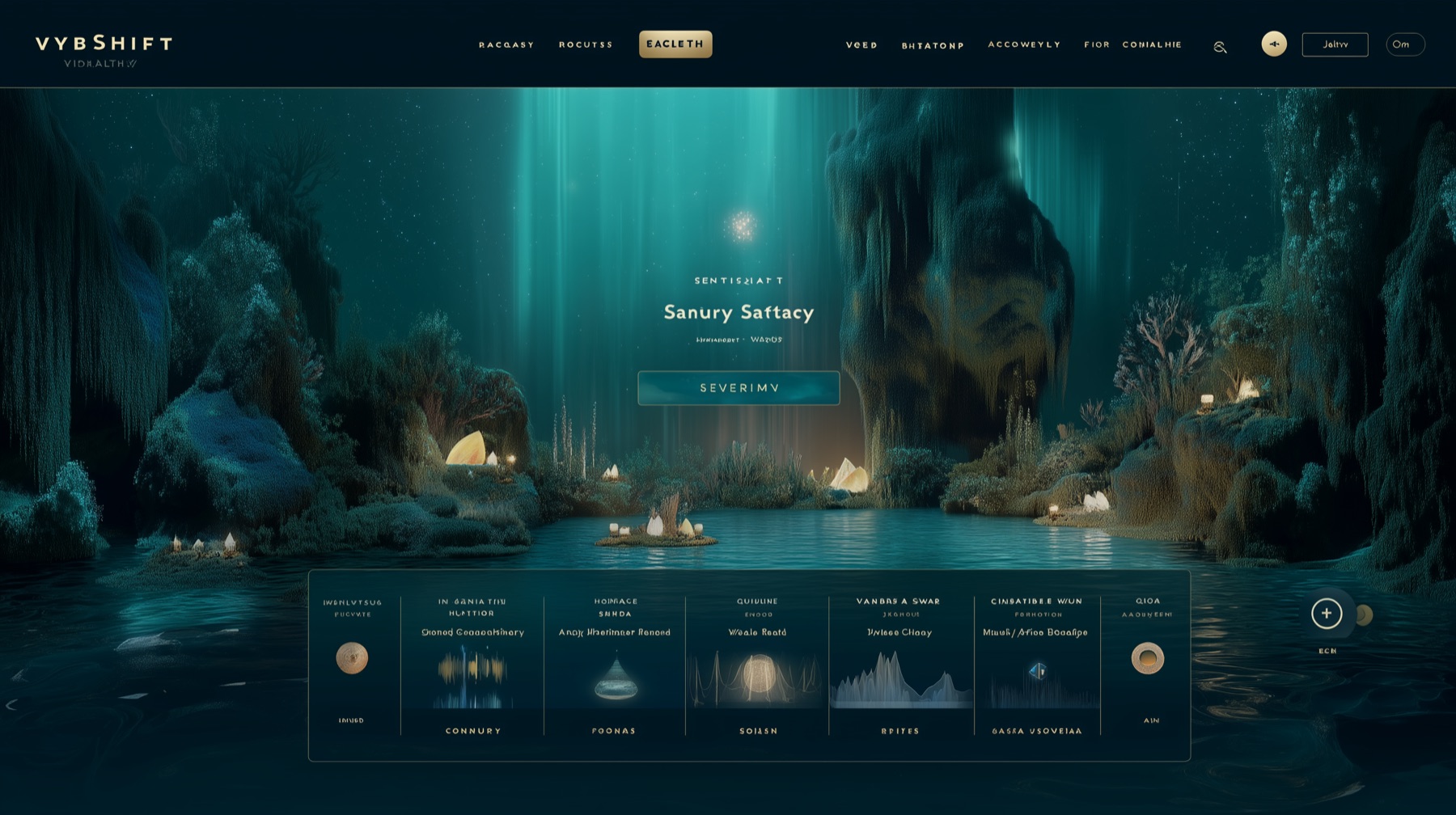

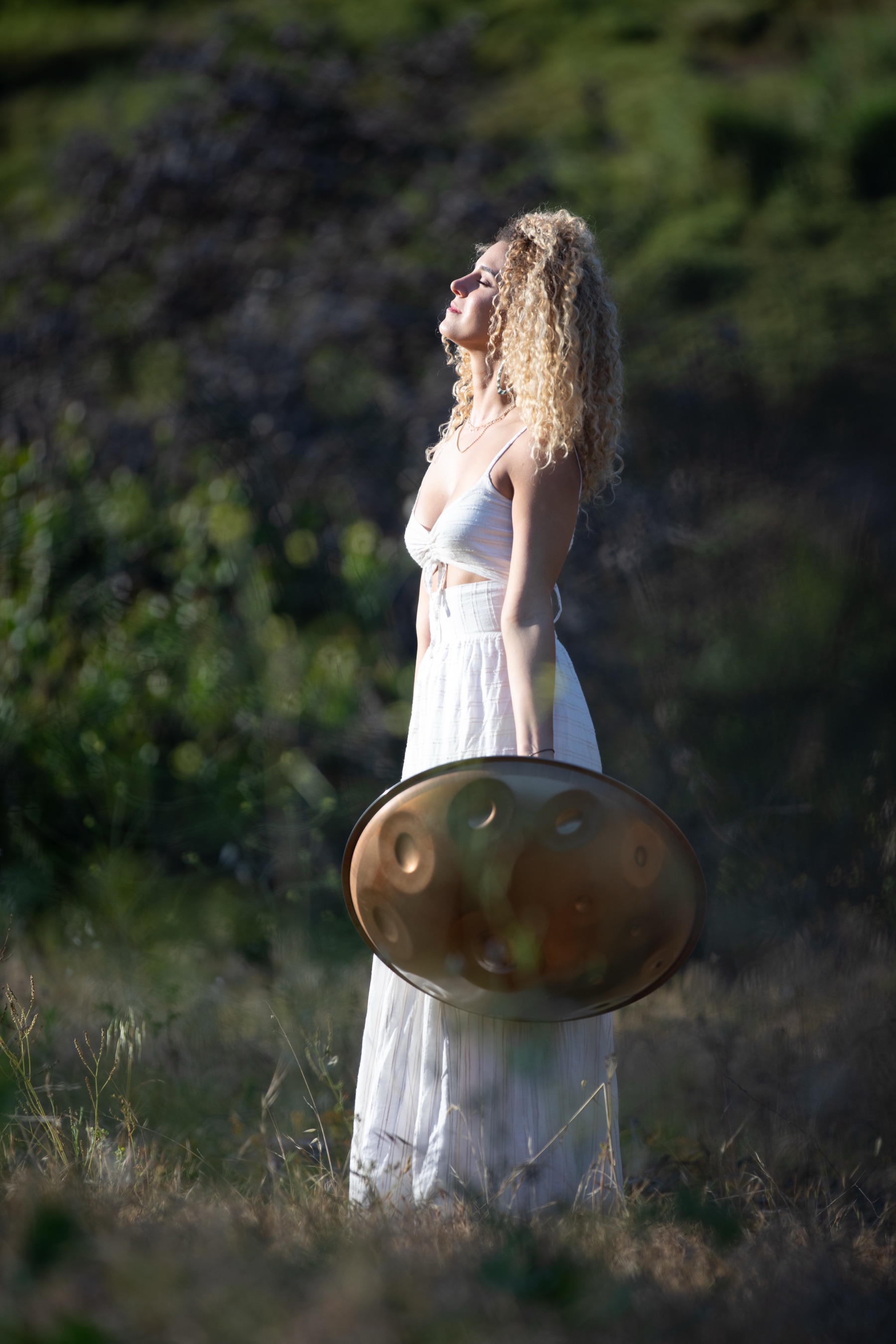
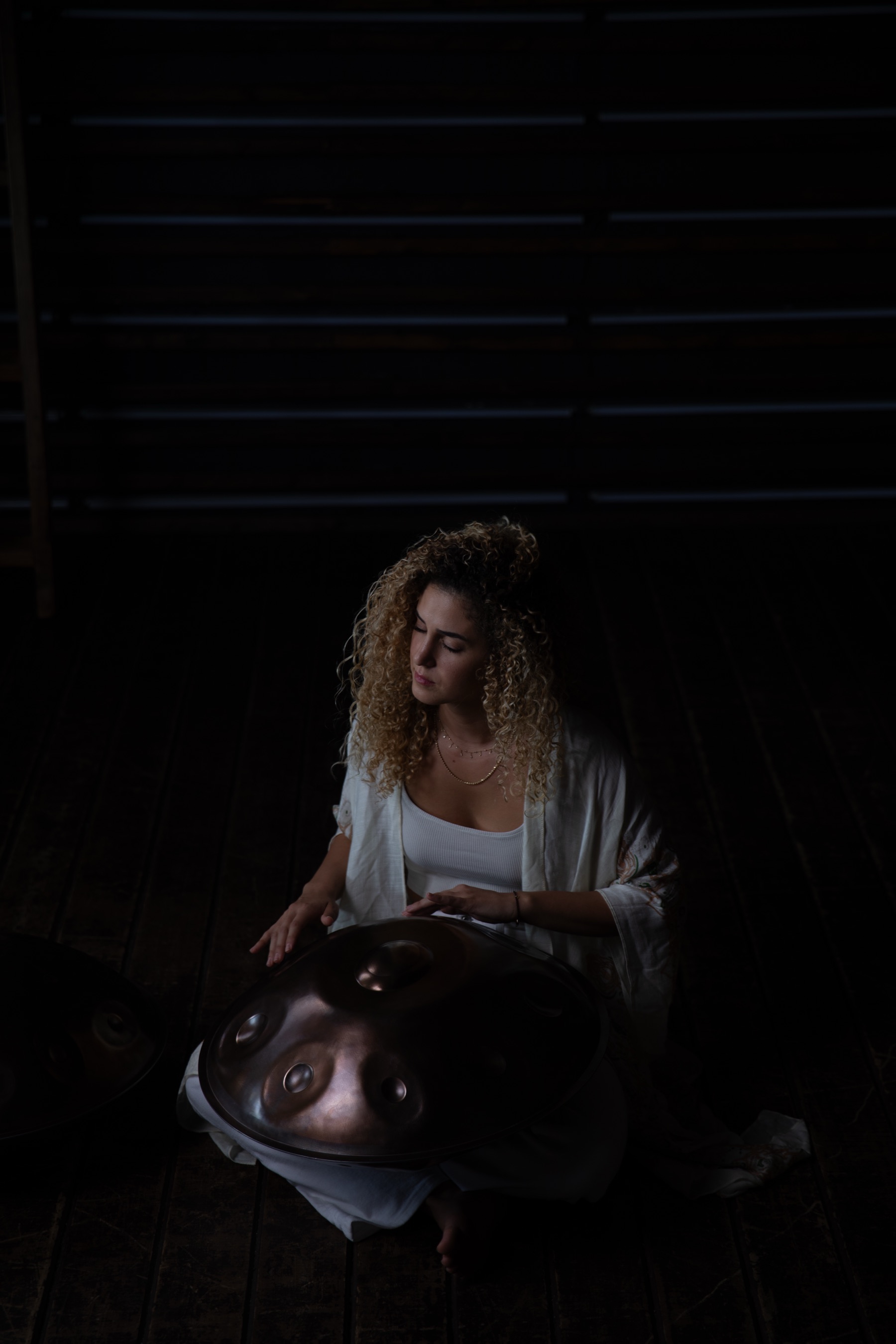
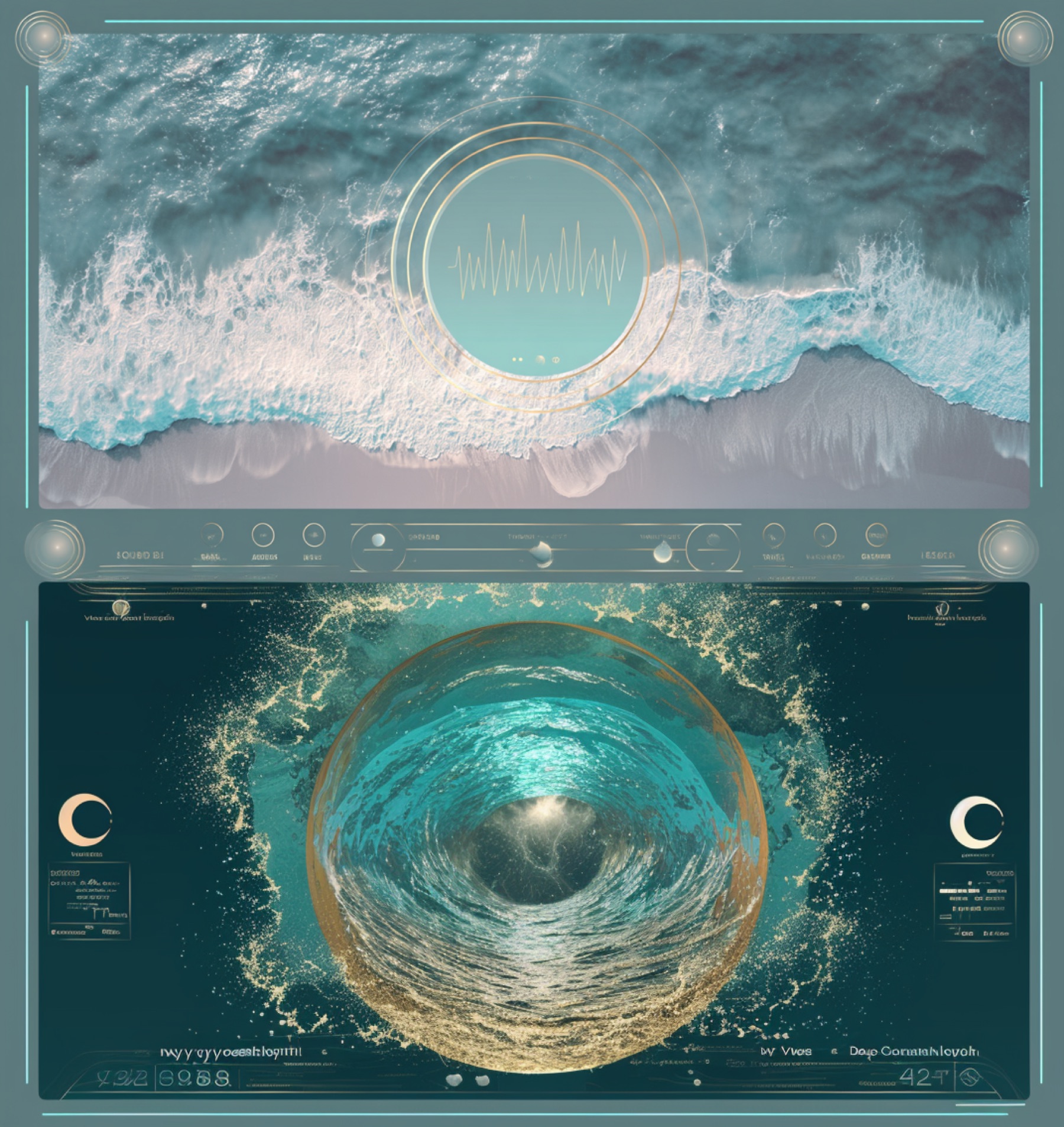
Traditional frequencies presented for listening exploration. Choose a fundamental; the portal drone retunes to it.
Two carrier tones, panned left and right, offset by a small frequency. The difference is perceived as a beat. Headphones required. Presented for listening exploration.
Harmonics add overtones above the fundamental. Dolphin voices are synthesized clicks and whistles drifting through the field.
The sanctuary will guide itself — descending through the biomes, shifting frequencies, dimming into night and rising again — over about twenty minutes. Sit back, breathe, and listen. You can end it anytime.
Your voice recordings will appear here — play, download, or keep.
Use headphones to monitor without feedback.
Snaps your pitch toward the nearest note in the current scale.
Drag each glowing node to move that layer in the field — left/right and near/far. With headphones, HRTF gives true 3D placement. Binaural beats stay centered for clean separation.
The portal at the centre of the sanctuary will expand as you breathe in and soften as you breathe out. Close this panel and watch the portal — it guides the pace.
Each instrument is physically modeled in real time and tuned to your current fundamental. Play by tapping, or let the auto bath flow. Mix its level in the Layers panel.
No recordings yet. Start the portal, shape your sound, then press Record.
Recordings download as audio files. Session settings export as a small file you can re-import later — or server save is disabled in this static staging review.
Play by clicking the fields or using your keyboard (keys shown on each field). The pan harmonizes with your chosen fundamental and plays through the FX chamber and visualizer.
Sound Sanctuary
Headphones recommended · sound will awaken on entry
Phase 1.6J approved image review ribbon